How to use the TimersUpdated 5 months ago
Once you have started a workout, you will see the timer at the bottom of the page
Click 00:00
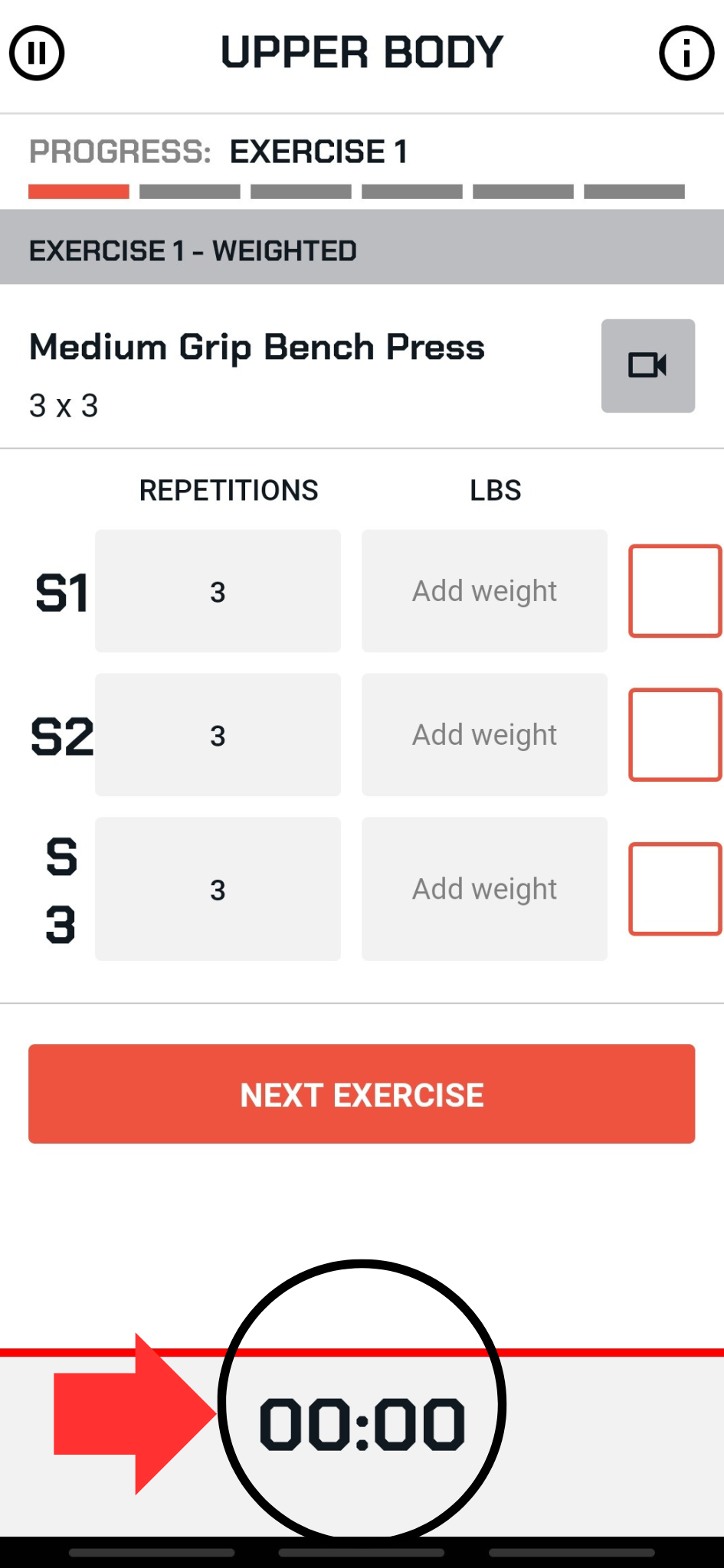
TIMER SETTINGS open
Stopwatch use
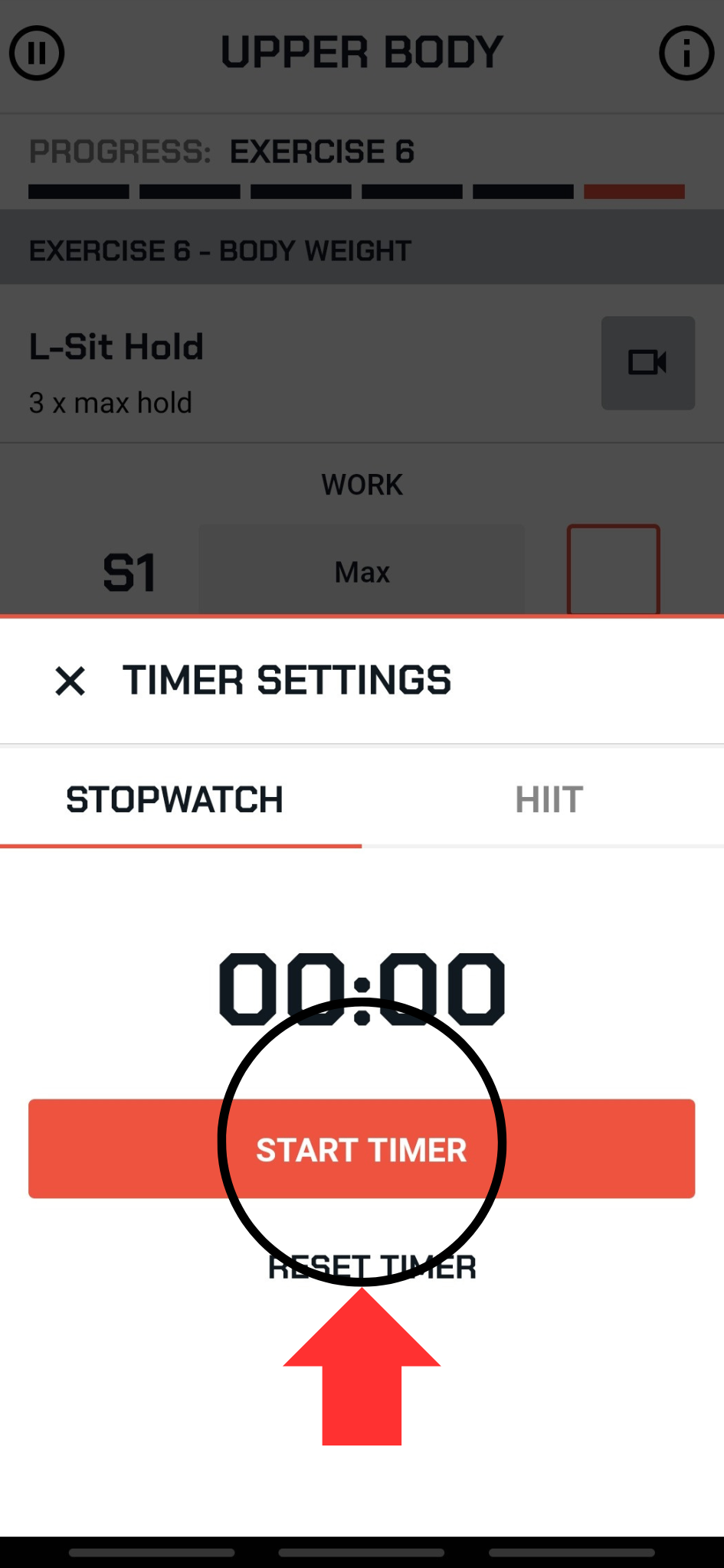
If you want to time the entire workout for rest/work time, select START TIMER on the stopwatch
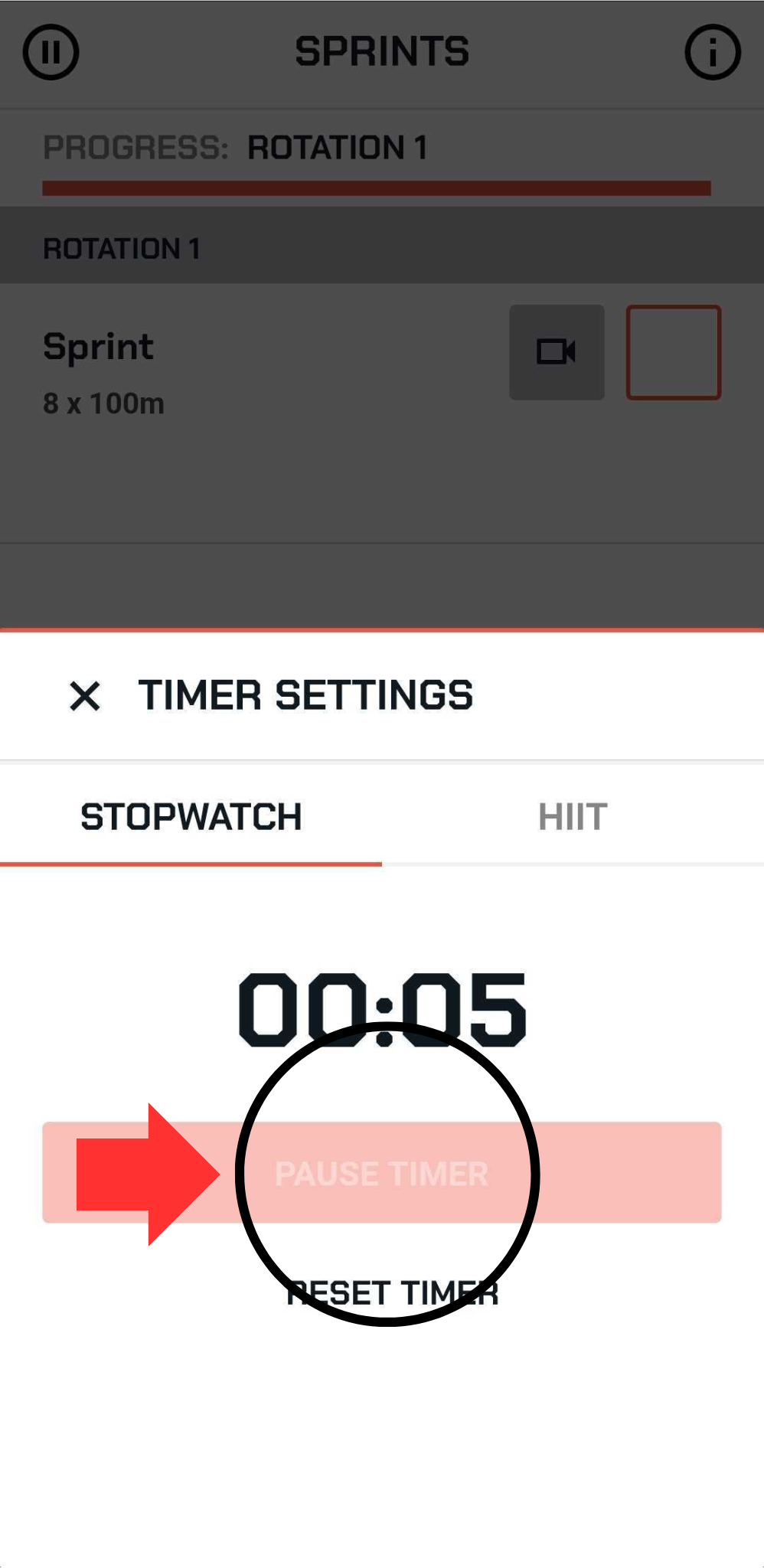
To pause the timer, press “PAUSE TIMER” when the clock is running.
HIIT use
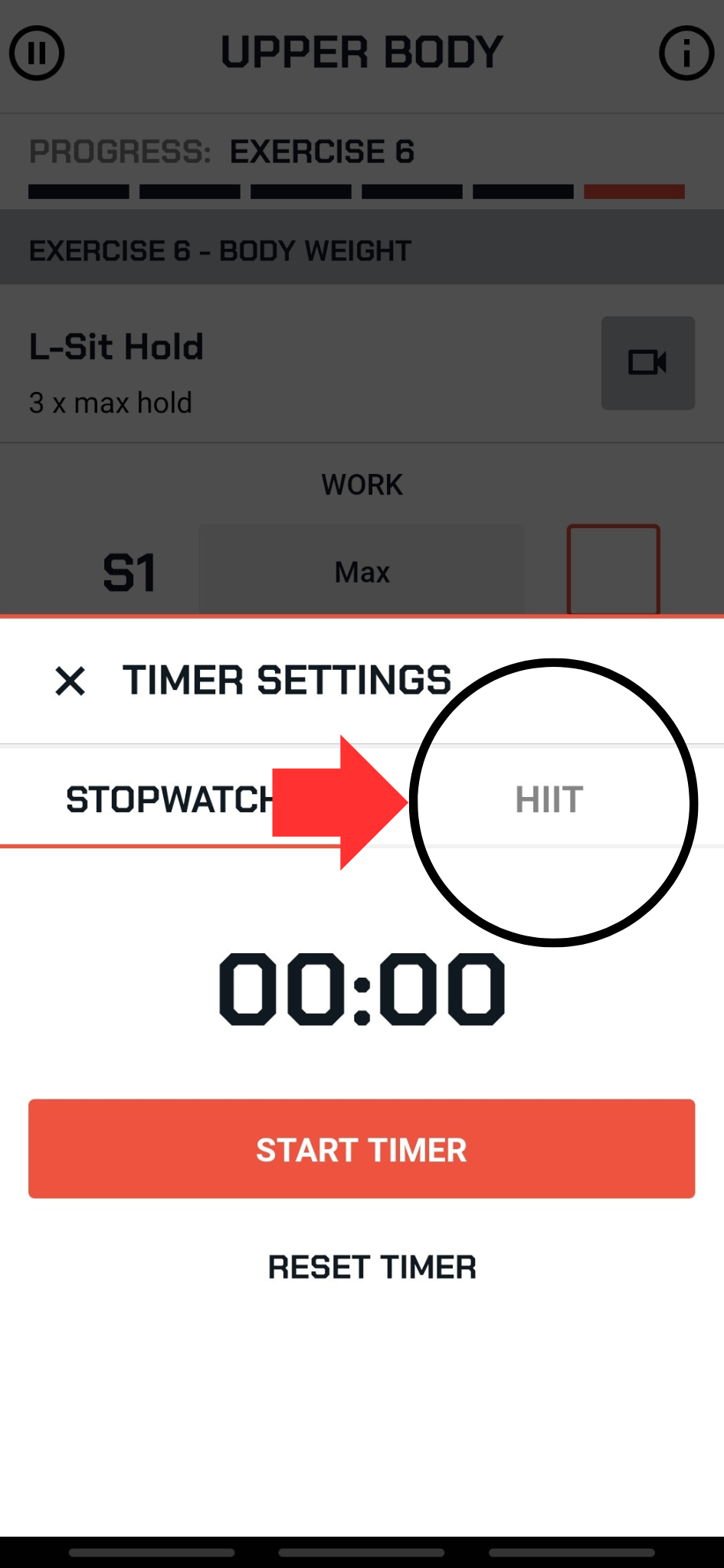
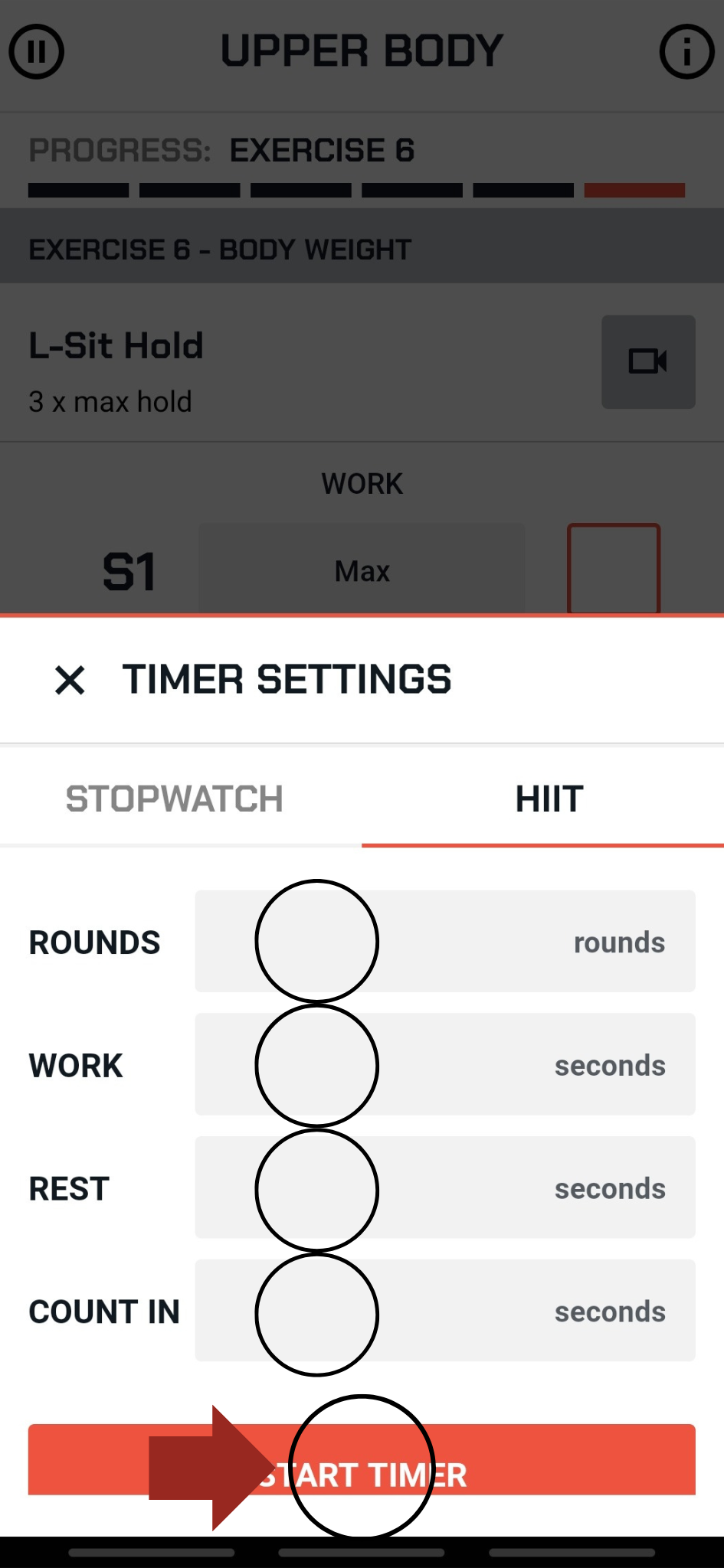
Select HIIT in TIMER SETTINGS
Input number of rounds
Input number of seconds for work
Input number of seconds for rest
Input number of seconds for count in, this will be the start of the HIIT session to give you a few seconds to get ready.
Then select START TIMER to begin the HIIT session
When you select START TIMER it will begin the countdown
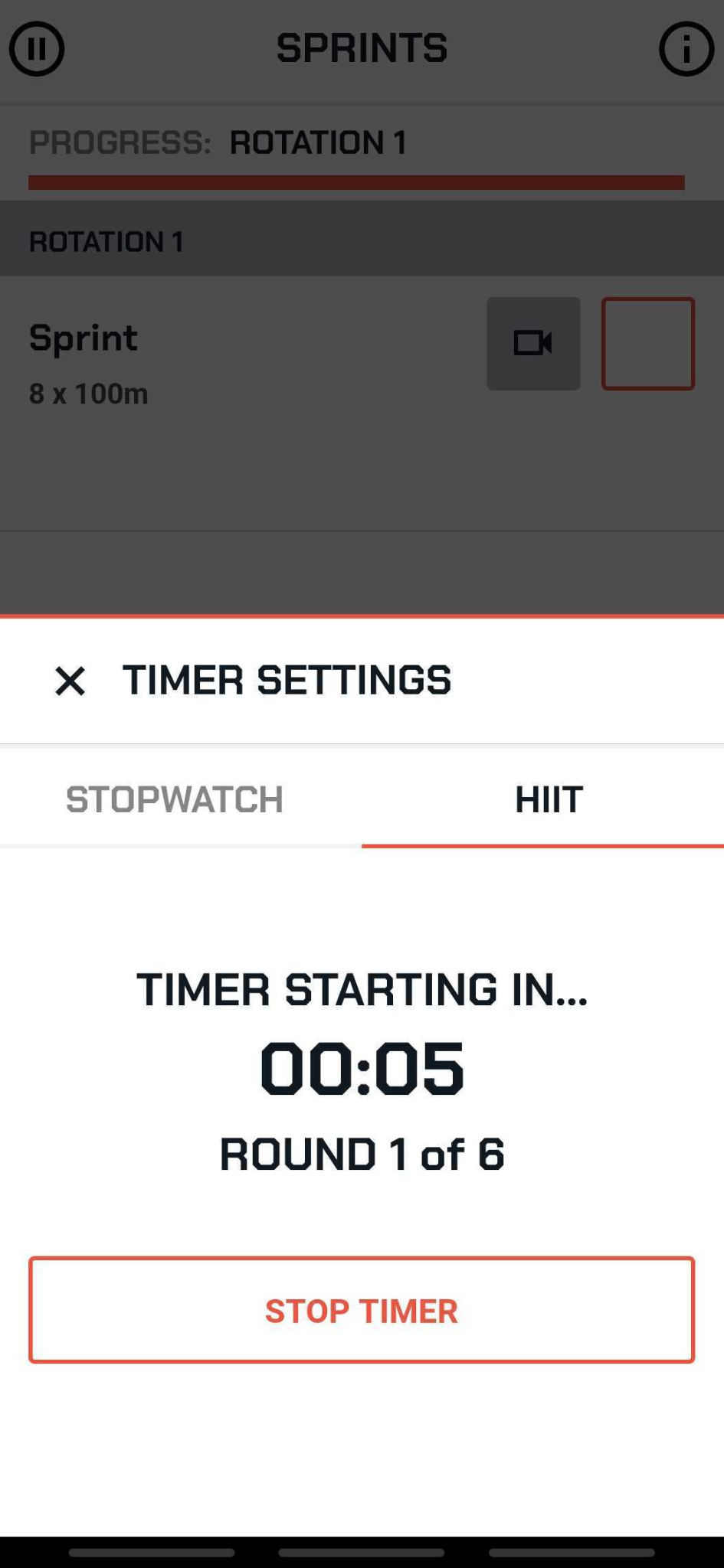
You can pause and resume the HIIT Timer as needed during your session.