How to Add Progress PhotosUpdated 5 months ago
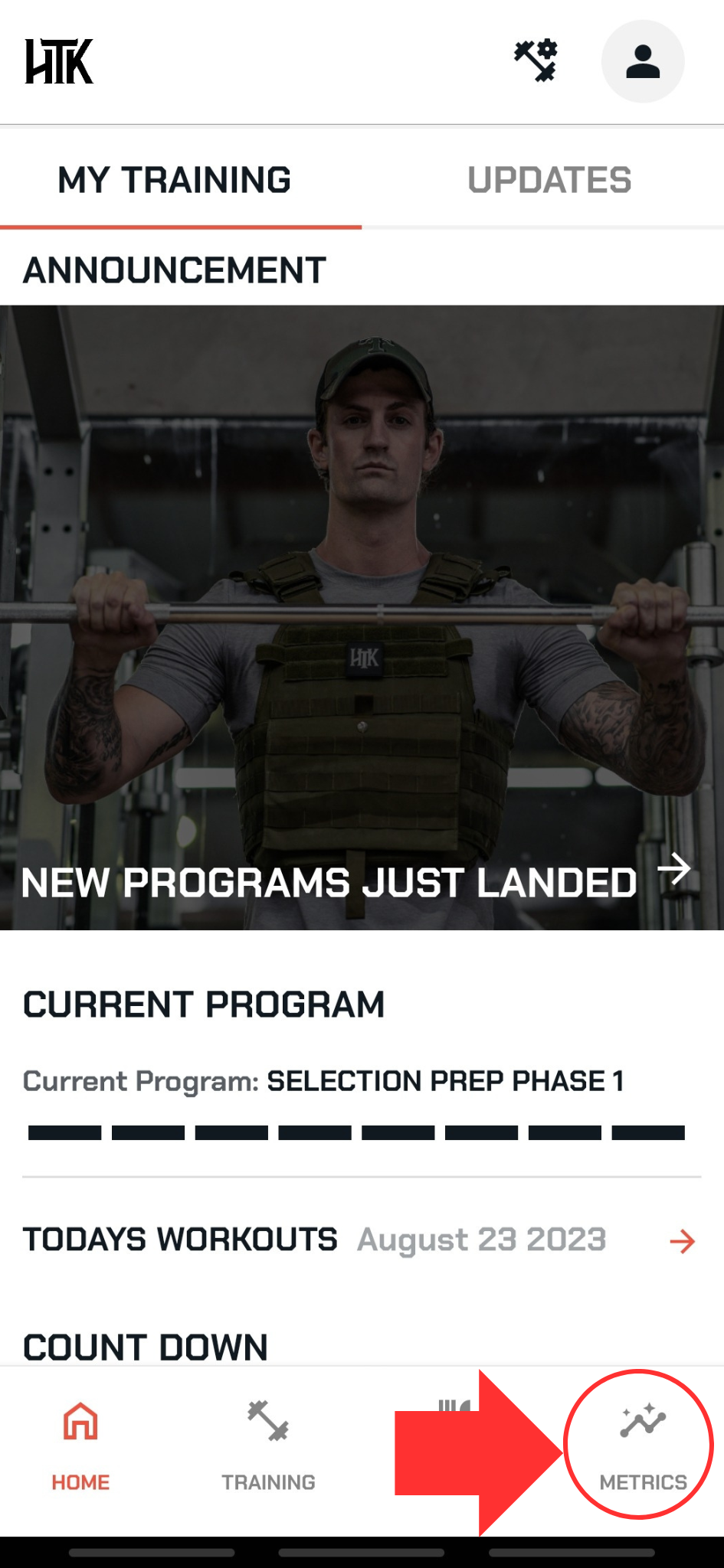
From any main page select METRICS
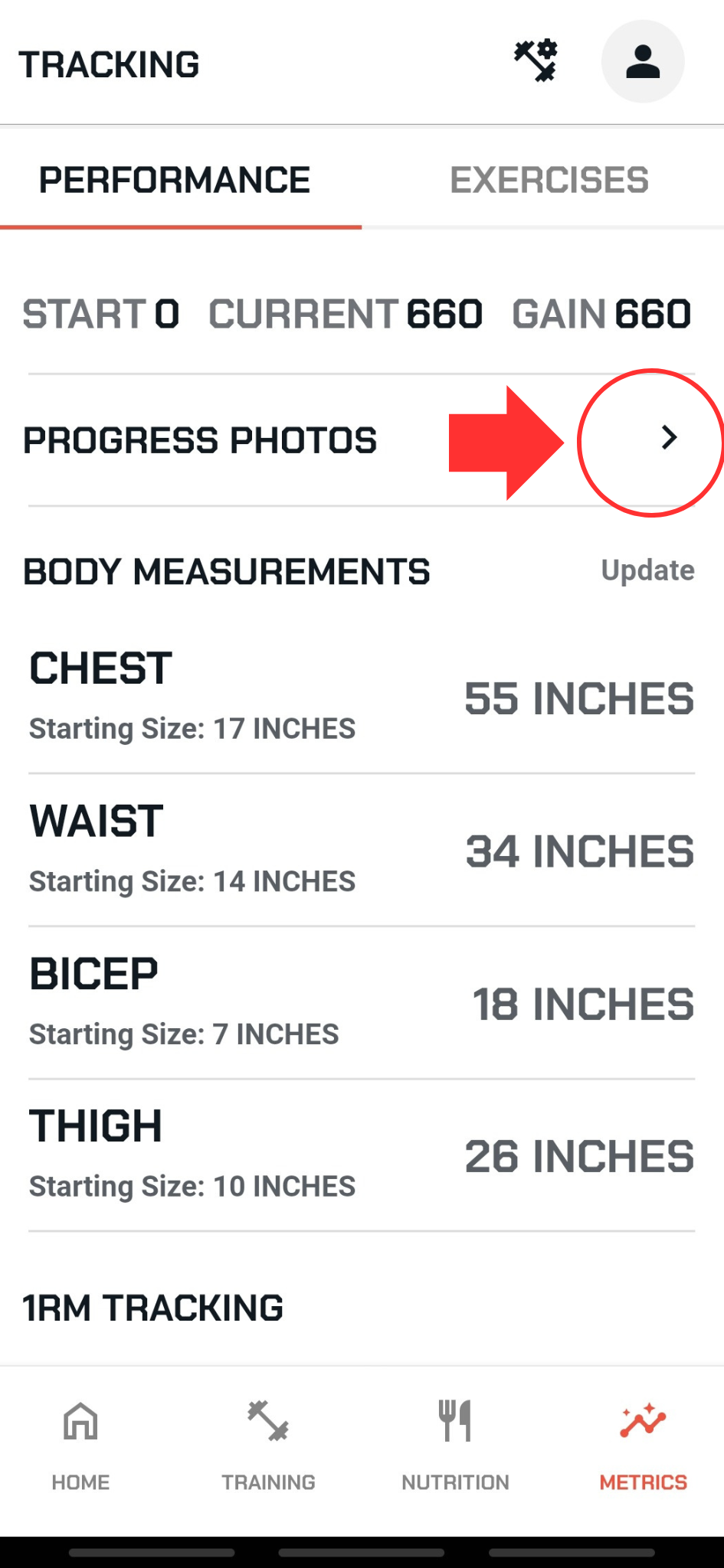
Scroll just below HTK8 results
Select PROGRESS PHOTOS
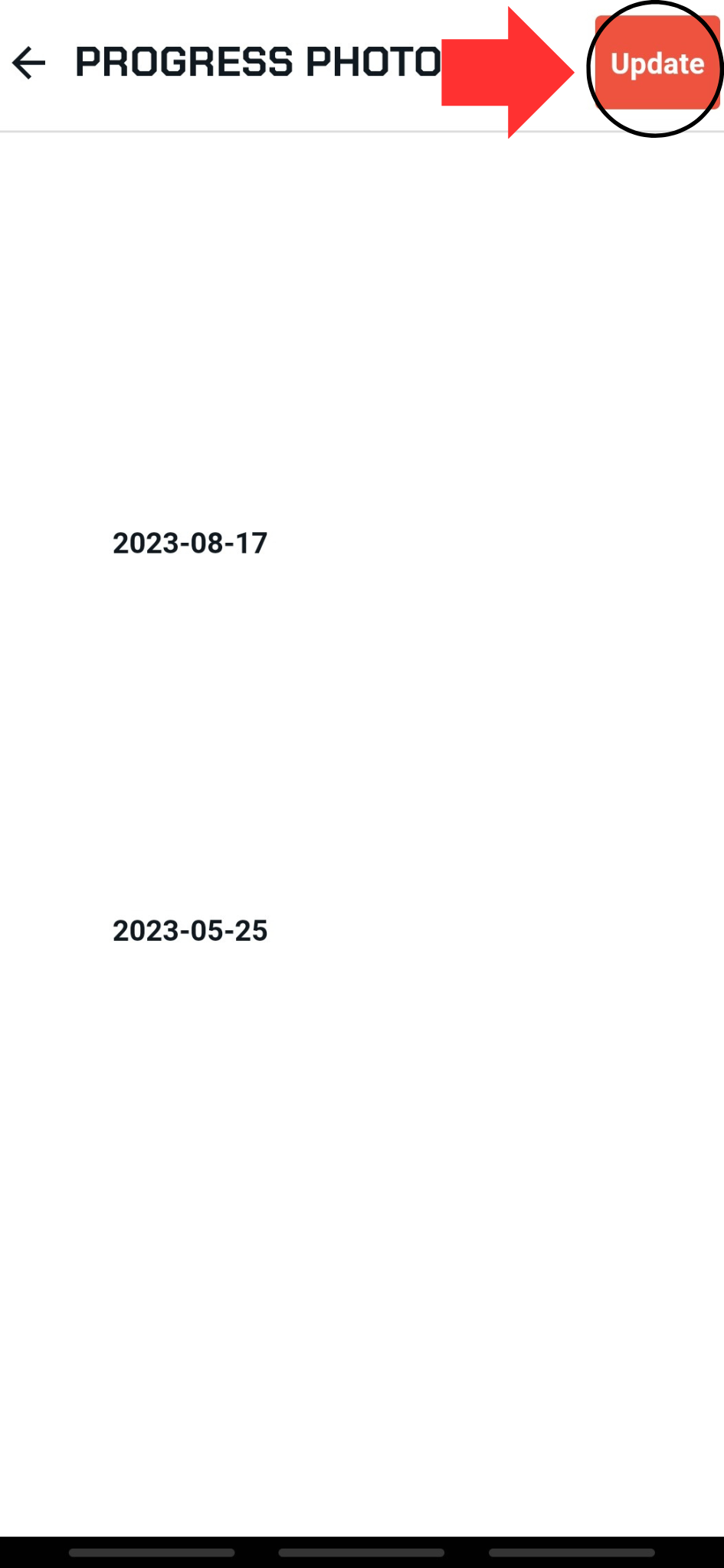
Select UPDATE in the top right corner
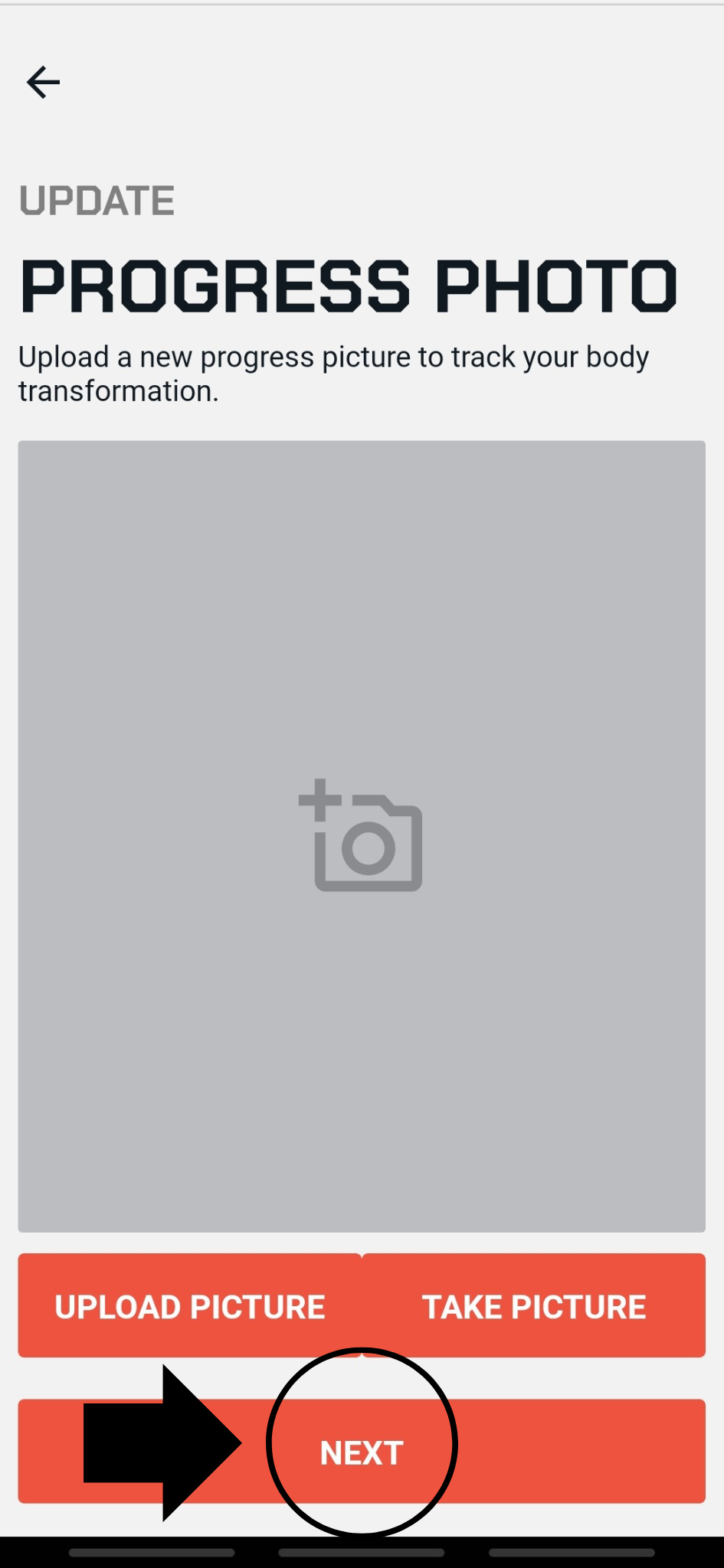
Upload or take a new picture
Select next
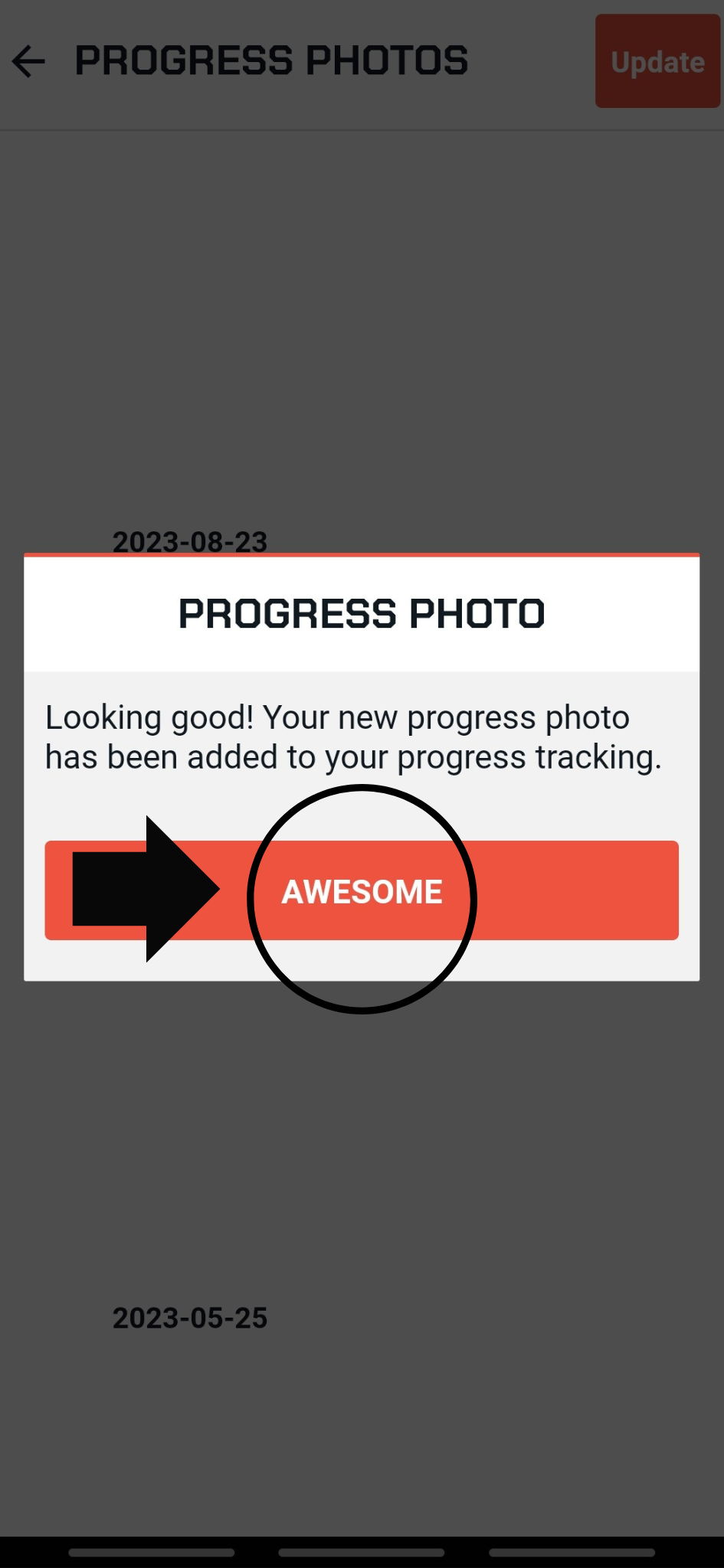
A message will appear once it is uploaded, select AWESOME to close it