How to Change Your PasswordUpdated 5 months ago
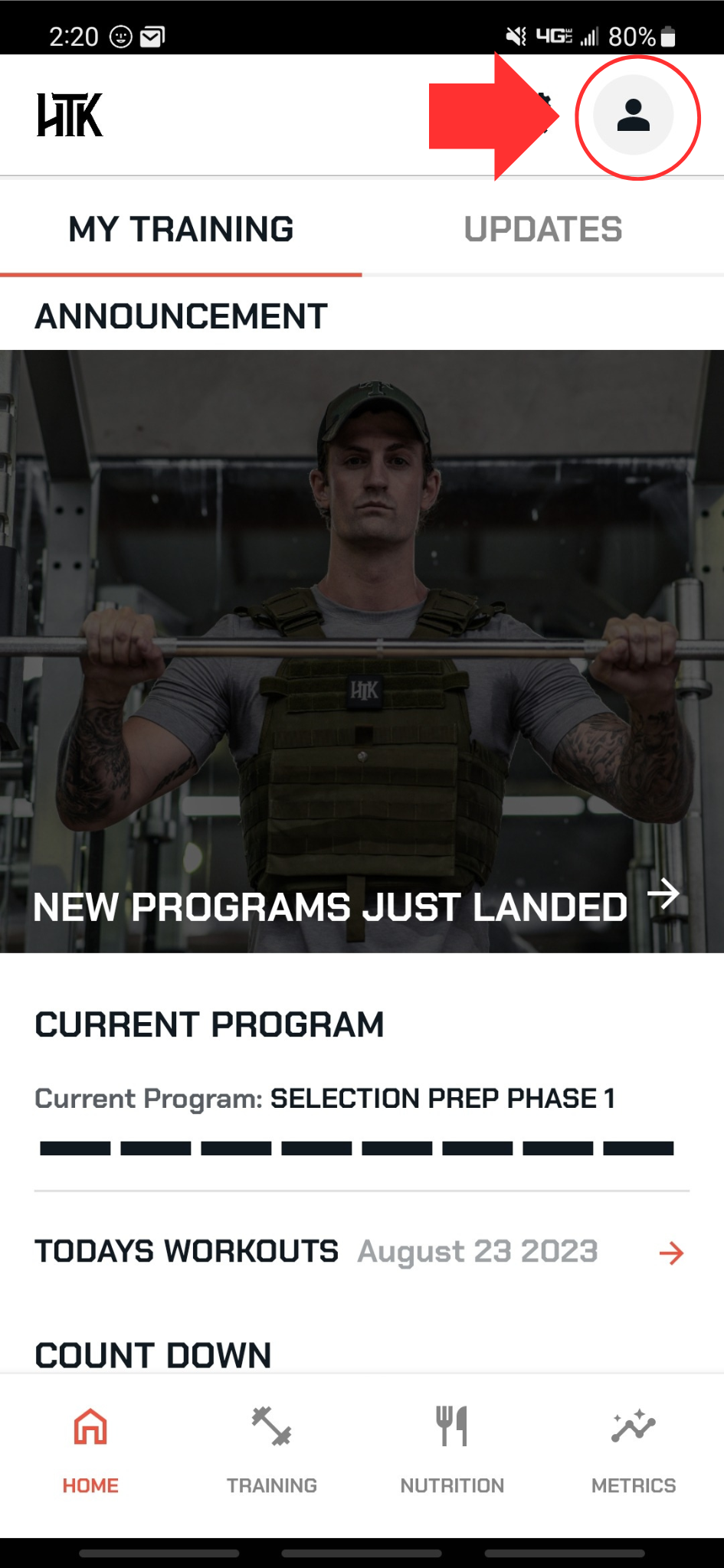
From any of the main pages, select ACCOUNT SETTINGS in the top right corner
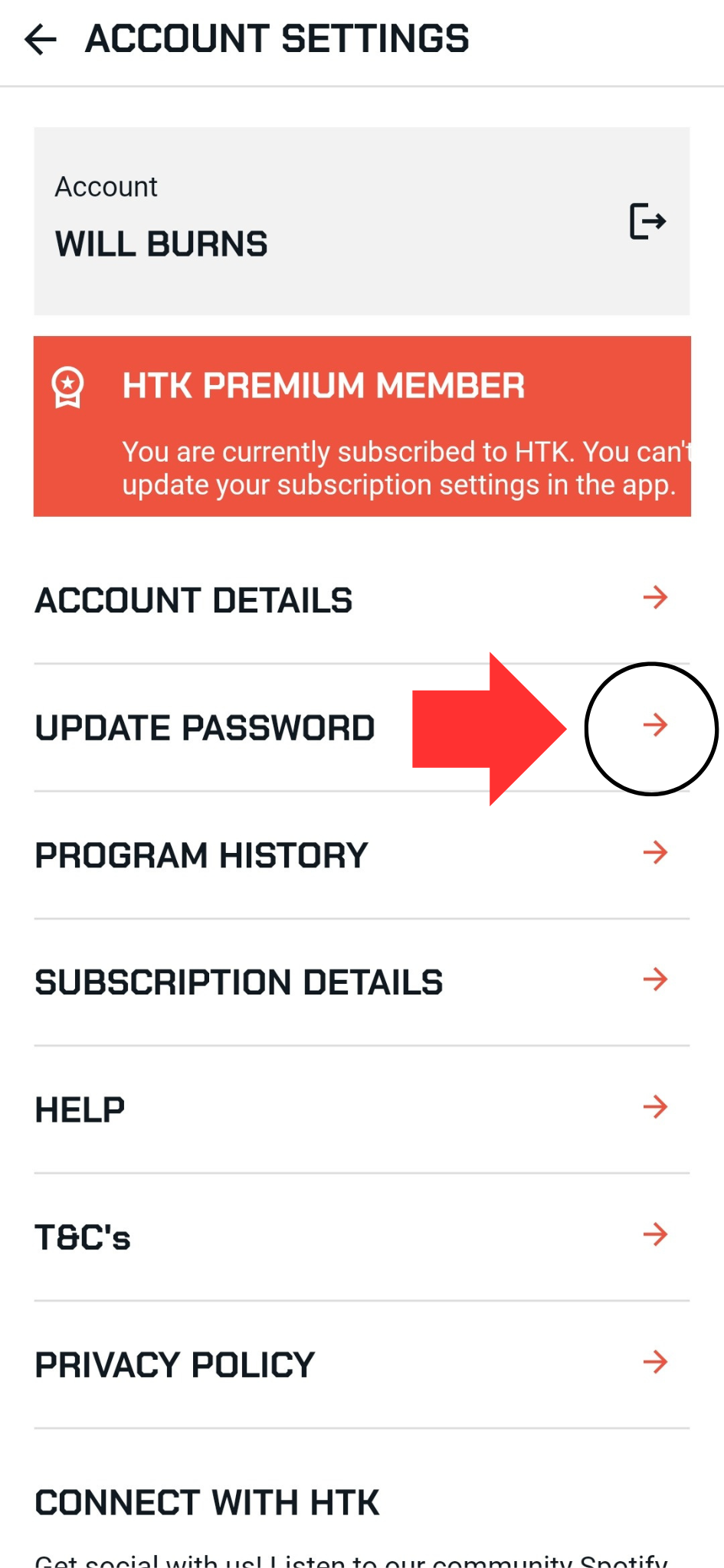
Find UPDATE PASSWORD
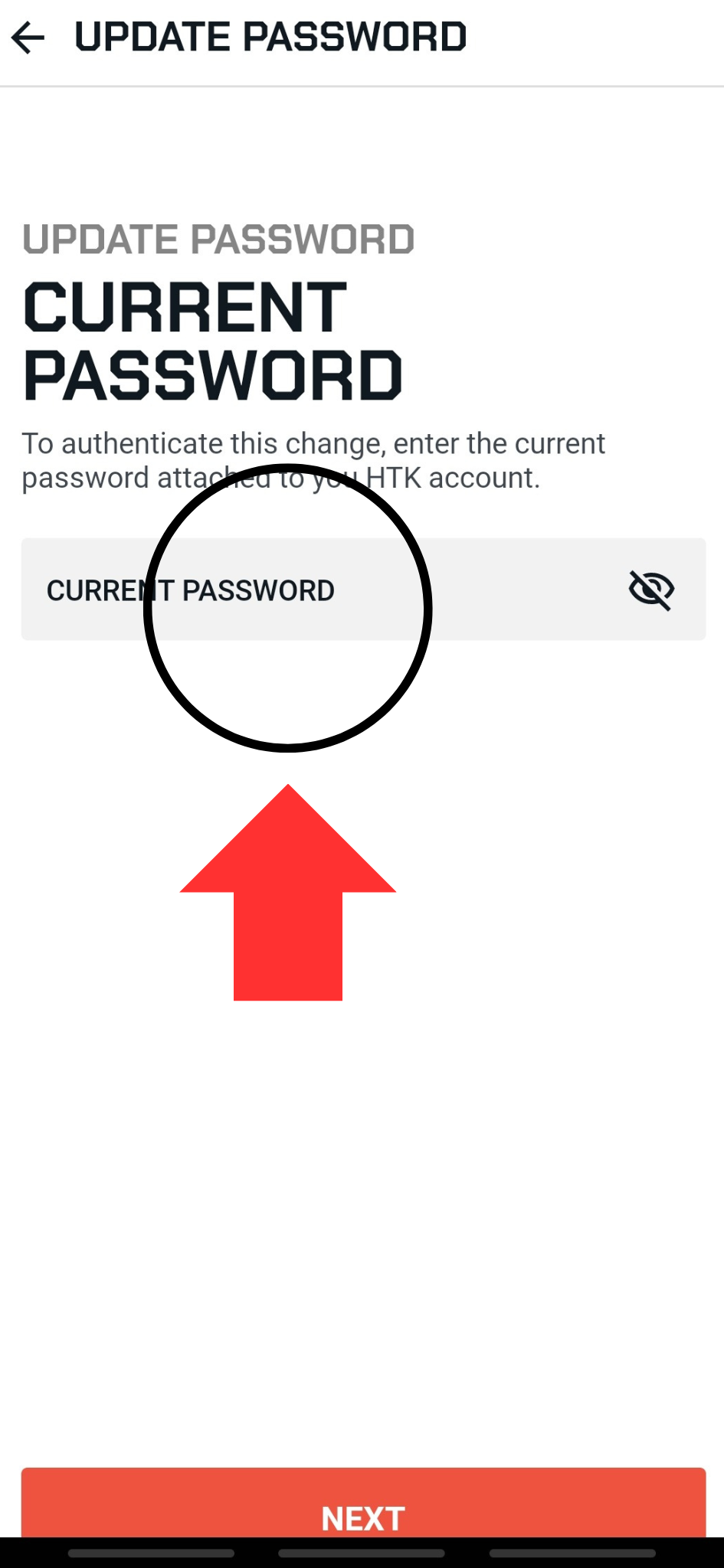
Input your current password into the box and select next
A new page opens to set a new password
Input new password and confirm the password
Select SET PASSWORD
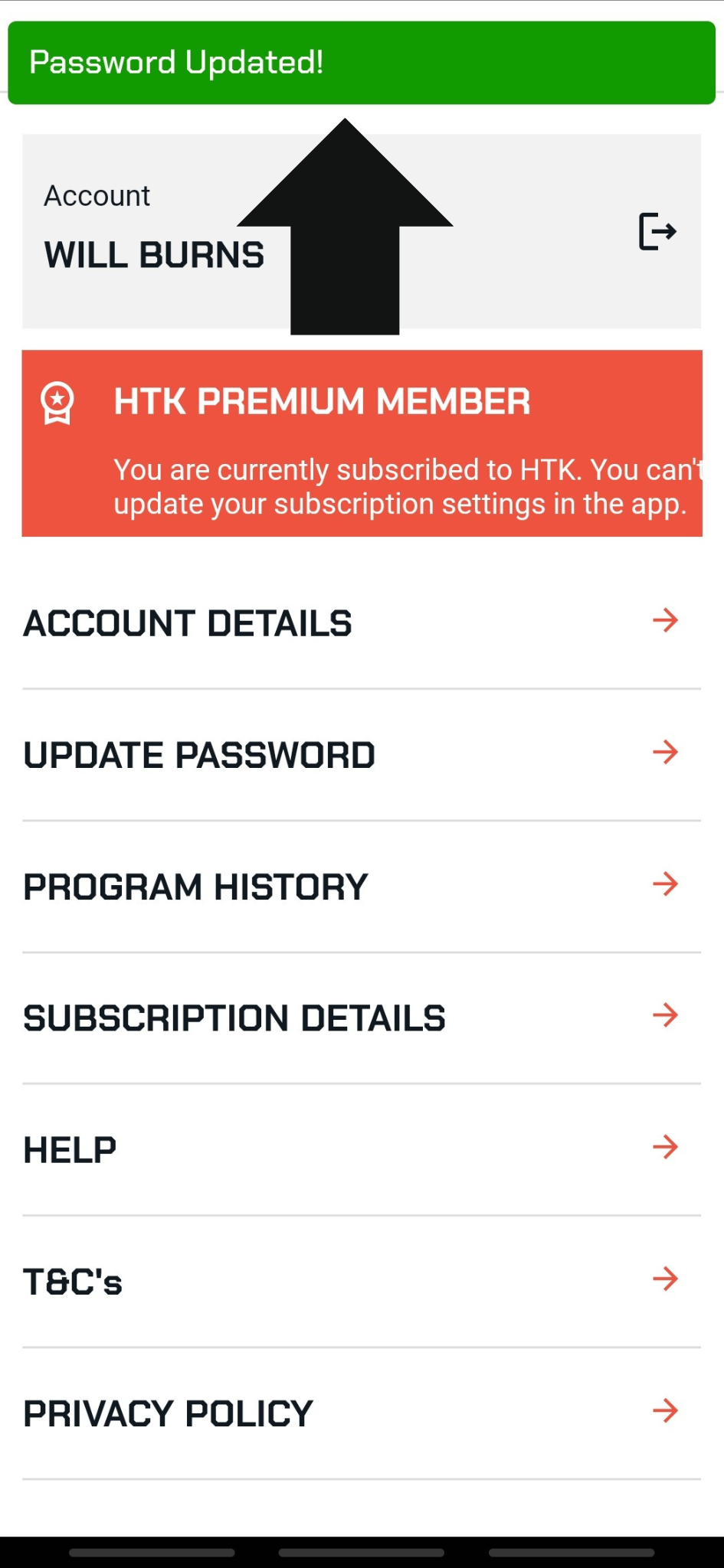
Ensure you get a message saying Password Updated